
Beyond the app
Use Luna safely
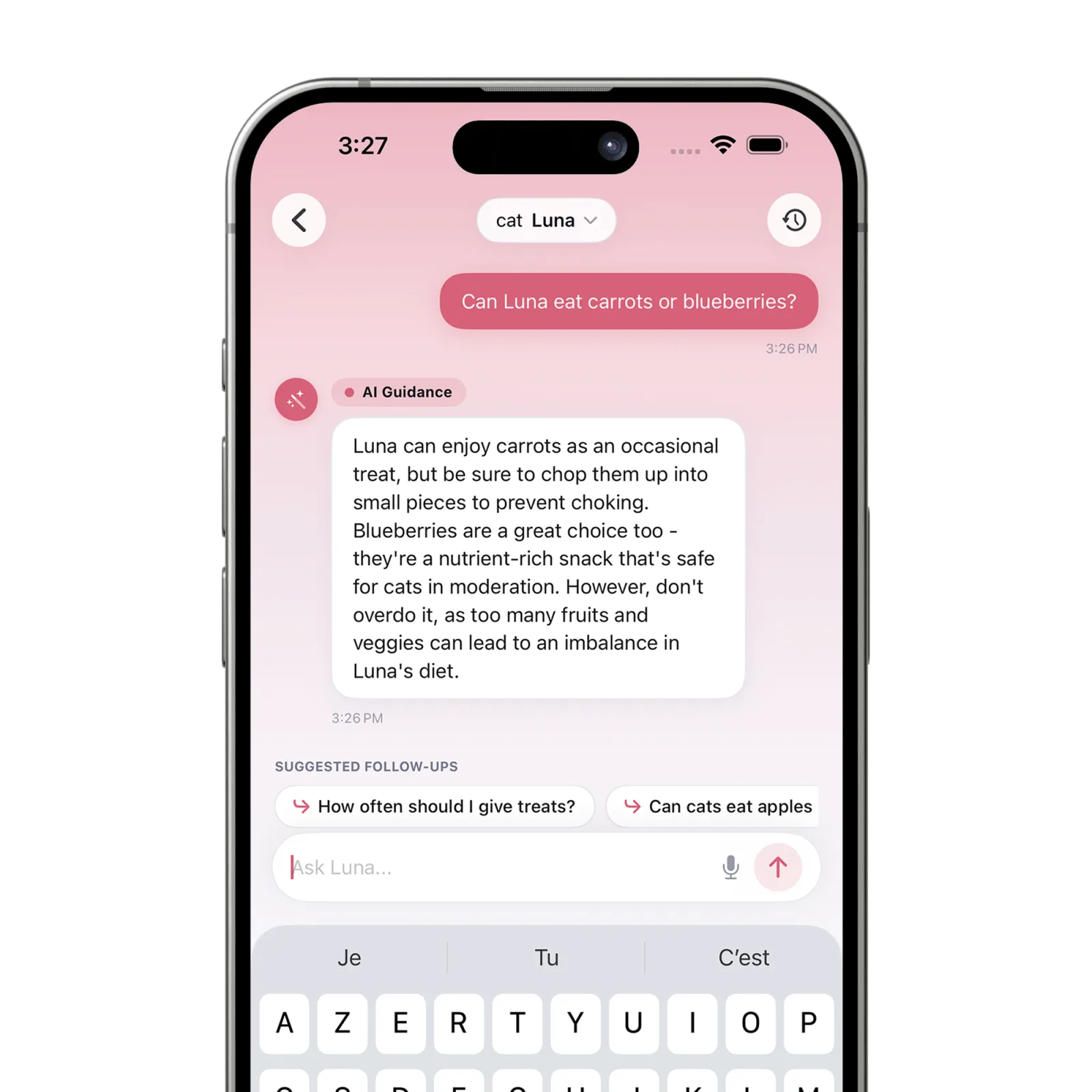
Open Assistant, review the AI data-sharing notice, choose whether to consent, select the right pet, and ask a general care question. Use a veterinarian or emergency service for medical decisions or urgent concerns.
Before you start
- Choose the pet whose profile context is relevant.
- Do not include information about people, passwords, payment information, or unnecessary sensitive details.
Steps
Open Assistant
Tap Assistant in Petive or use the Ask Petive Siri action.
Review the consent notice
Before the first message, Petive explains what selected pet context and recent chat content may be processed. Choose Allow and Continue only if you agree.
Choose the right pet
Use Switch Pet when needed so Luna focuses on the intended profile. Previous messages remain in that conversation.
Ask an everyday care question
Use Luna for general routines, typed food-label wording, organizing observations, or preparing questions for a veterinarian.
Apply the safety limits
Check the answer’s assumptions. Contact a veterinarian, emergency clinic, or poison-control service for urgent symptoms, diagnosis, treatment, or medication decisions.
What happens next
The conversation appears in Luna history and can be reviewed later within the app’s current history and usage limits.
Good to know
- Luna can make mistakes and does not diagnose, prescribe, calculate doses, or replace a veterinarian.
- Petive does not currently scan food packages with the camera; type relevant label wording into the chat.
- AI permission can be withdrawn from Settings to prevent new Luna information from being sent.
Troubleshooting
Luna is unavailable
Check the internet connection, confirm AI consent remains enabled, and review the usage limit shown in the app.