
Everyday routine
Set or change daily care goals
Open the pet’s Daily Care Goals, switch activities on or off, and set each enabled activity’s target from 1 to 10 times per day.
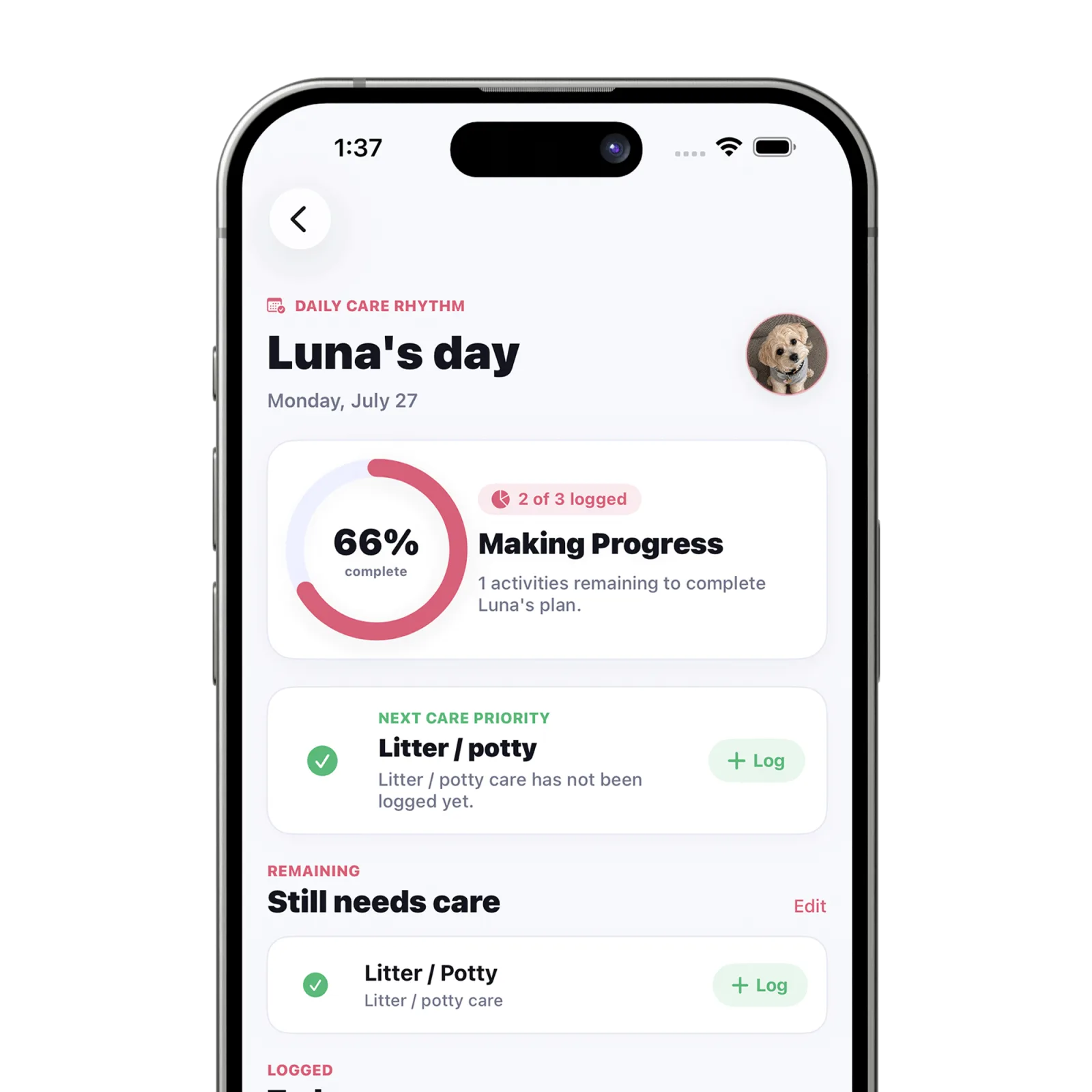
Steps
Open the pet’s routine
From Today, use “Edit” beside the remaining-care section, or open the pet’s management area from Pets and choose the daily routine controls.
Choose tracked activities
Turn on the activities that should count toward this pet’s everyday plan. Turn off anything that should not appear as a daily expectation.
Set each daily target
For each enabled activity, use the stepper to choose a target from 1 to 10 times per day.
Tap Done
Save the routine and return to Today. The progress display updates to the current set of goals.
What happens next
Today and the daily progress rings reflect the new activity list and target counts for that pet.
Good to know
- A daily goal organizes the care you choose to track; it is not a veterinary recommendation.
- Use your veterinarian’s written directions for medication or medically important routines.
Troubleshooting
Progress looks lower after a change
Adding or increasing a target changes the day’s total. Log completed care or adjust the target to match the intended routine.