
Stay on time
Mark a reminder done or snooze it
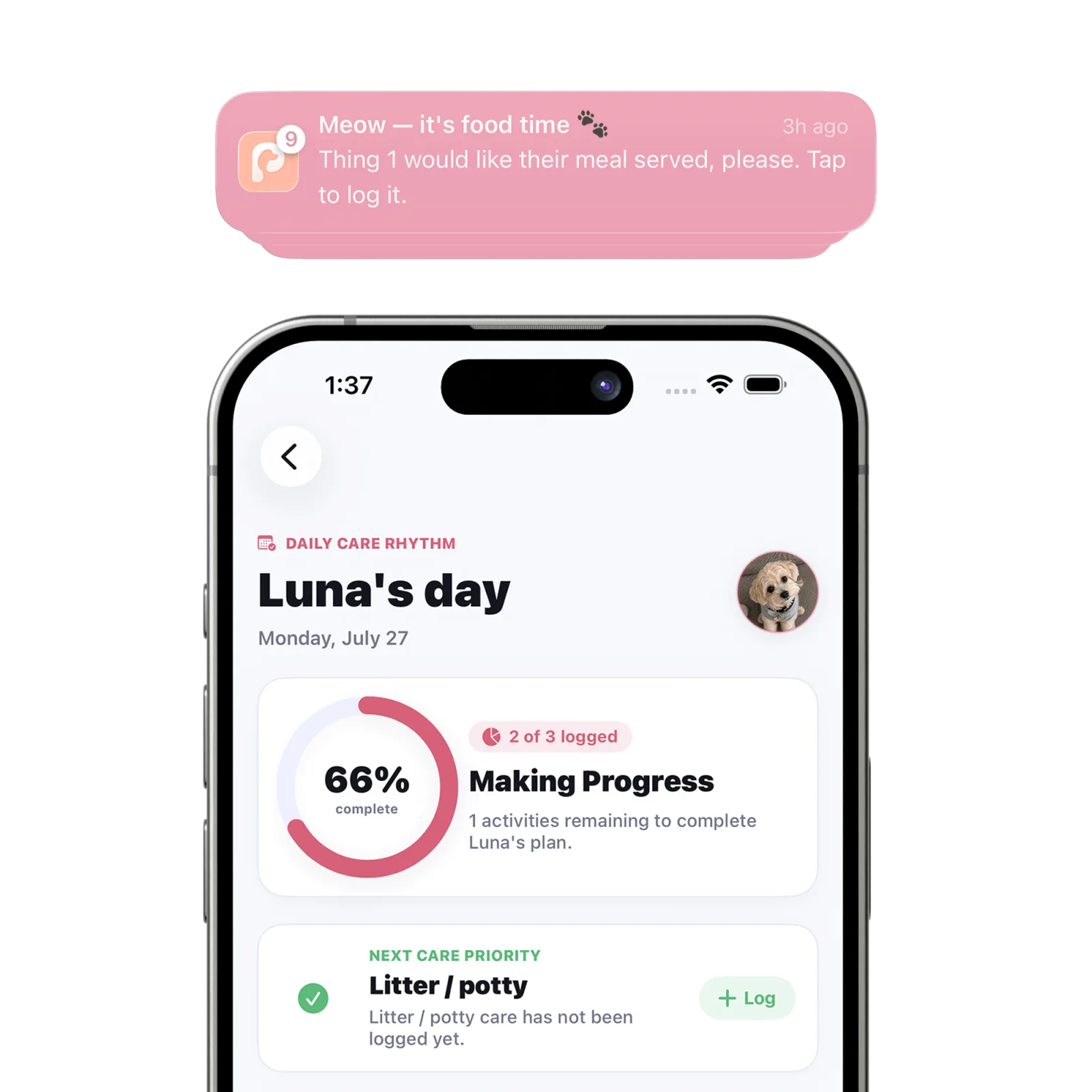
Press and hold the Petive notification to reveal its actions. Choose “Mark Done” to record the care or “Snooze” to receive another alert in 30 minutes.
Steps
Expand the notification
Press and hold the Petive notification on the Lock Screen or in Notification Center to reveal its available actions.
Choose Mark Done
Use “Mark Done” after the care has actually been completed. Petive records the activity and can reflect it in Today and Timeline.
Or choose Snooze
Use “Snooze” when you need another prompt. The notification is scheduled again for 30 minutes later.
Check the result in Petive
Open Petive and confirm the correct pet and care event appear in the timeline, especially in a shared household.
What happens next
Mark Done records the care; Snooze schedules a follow-up alert for 30 minutes later.
Good to know
- Do not mark medication complete until it has been given according to the written instructions you follow.
- The schedule editor separately supports moving the next occurrence by 15 minutes or skipping it.
Troubleshooting
The actions are not shown
Open Petive from the notification and log the care manually. Also confirm notifications are allowed for Petive.